

Two ways to put it in front of visitors
- Embed on your own website. Paste a one-line snippet into your site and the launcher appears on every authorized page. Best when you have a site you can edit.
- Publish your hosted page. AIBCO hosts a page for you at
aibco.ai/company/your-namethat runs the same experience. No website, no snippet, nothing to install: just a link you can share on Instagram, in an email signature, or as a QR code on a job sign.
Quickstart
Set up AIBCO and get your first product live in minutes.
Dashboard Overview
Learn what every page in the sidebar is for.
Setup Wizard
Let AIBCO scan your website and build your account for you.
Products
Create and manage your design product catalog.
Hosted Page
Share a link, no website required.
Widget Settings
Choose your mode, style the launcher, and set your domain.
Hosted Page
Publish your page at aibco.ai/company/your-name and share it anywhere.
Train the Chat
Add knowledge, guardrails, greetings, and a message limit.
Leads
Capture, filter, and export leads from renders and chat.
Credits & Billing
Understand what costs what and manage your plan.
How it works
1
Sign in
Visit aibco.ai. Sign in with a magic link, no password needed.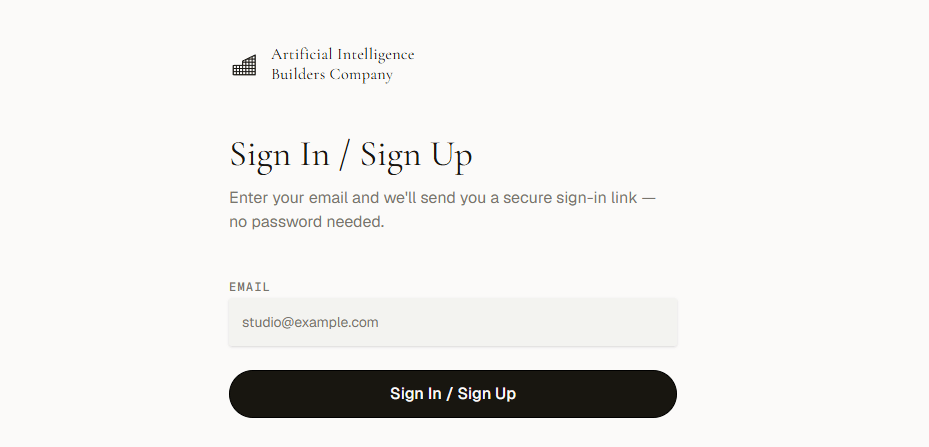
2
Add products
Create products with images, names, and visitor-friendly descriptions. At least one product must be Live (has an image) and Visible before the widget can render.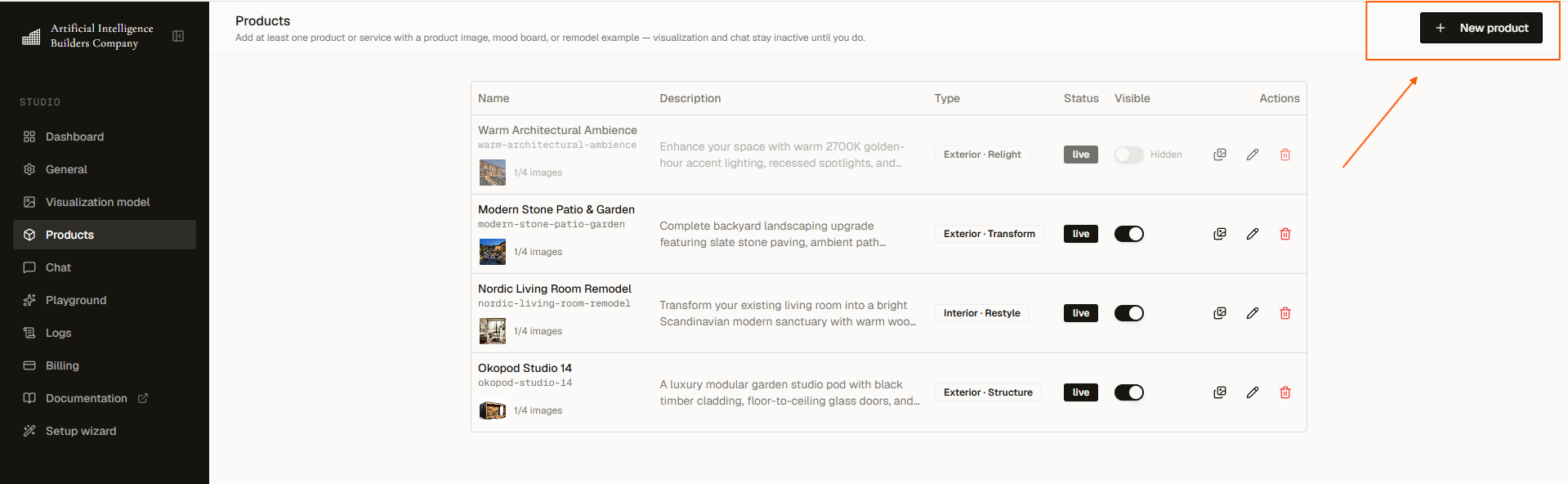
3
Configure the widget
Open General settings to select your widget mode (Render Only or Render + Chat), authorize your domain, choose a launcher style, and pick a visualization model.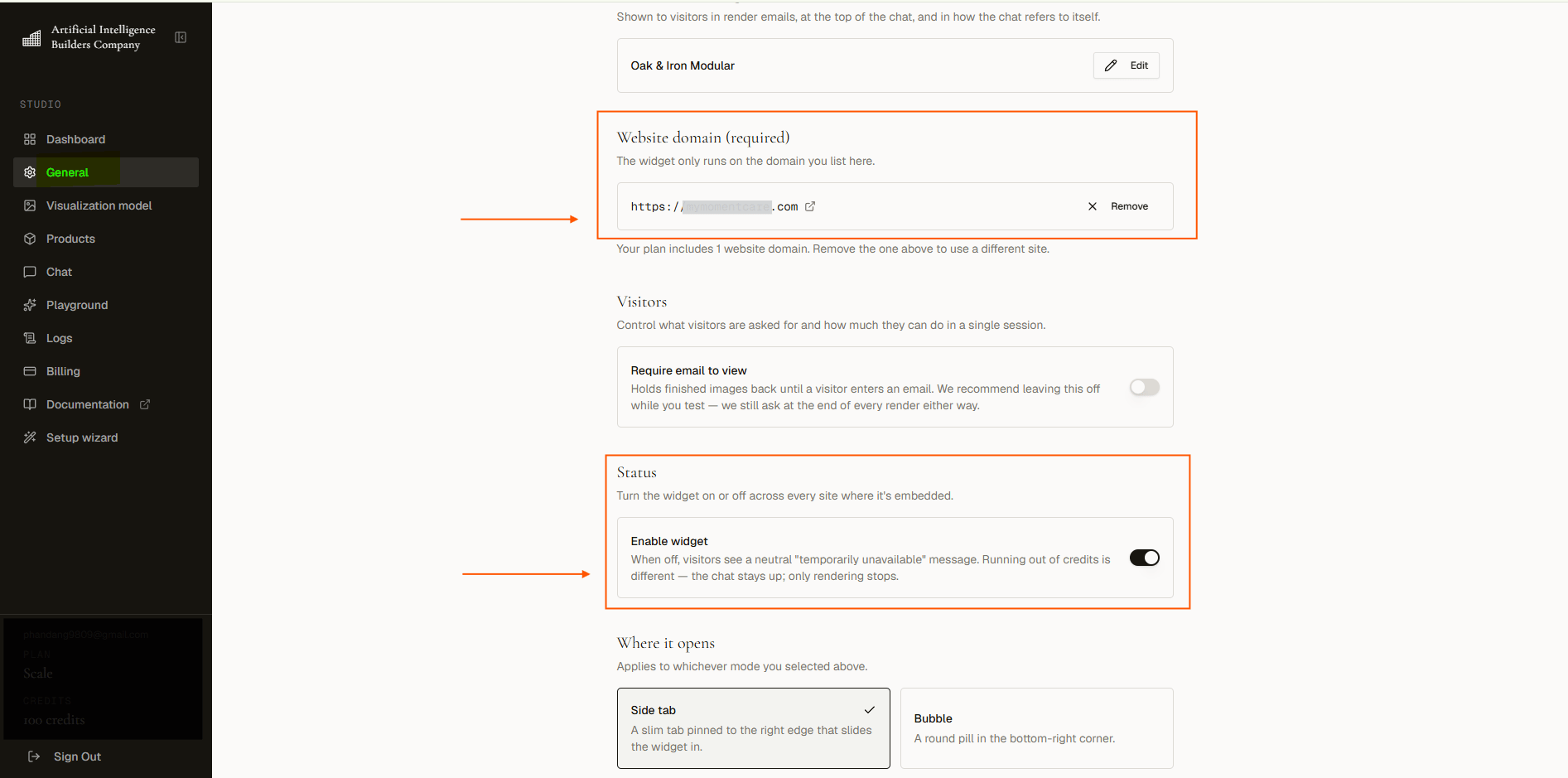
4
Go live: embed on your site or publish your hosted page
Either paste the embed snippet into your site (Squarespace, Shopify, Wix, WordPress), or publish your hosted page at 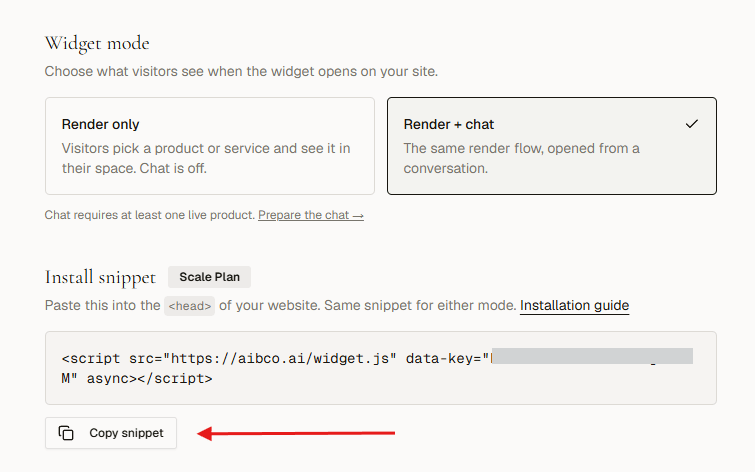
aibco.ai/company/your-name and share that link. No website required to go live.