

Edit a Product

- Name — Update the display name shown to visitors.
- Type — Adjust the internal category for organization.
- Visitor description — Revise the description visitors read in the widget.
- Internal notes — Edit private notes only visible to your team.
Show or Hide Products
Each product has a Visible toggle. Use this to control whether a product appears in the widget without deleting it.- Visible on — The product appears in the widget if it is also Live.

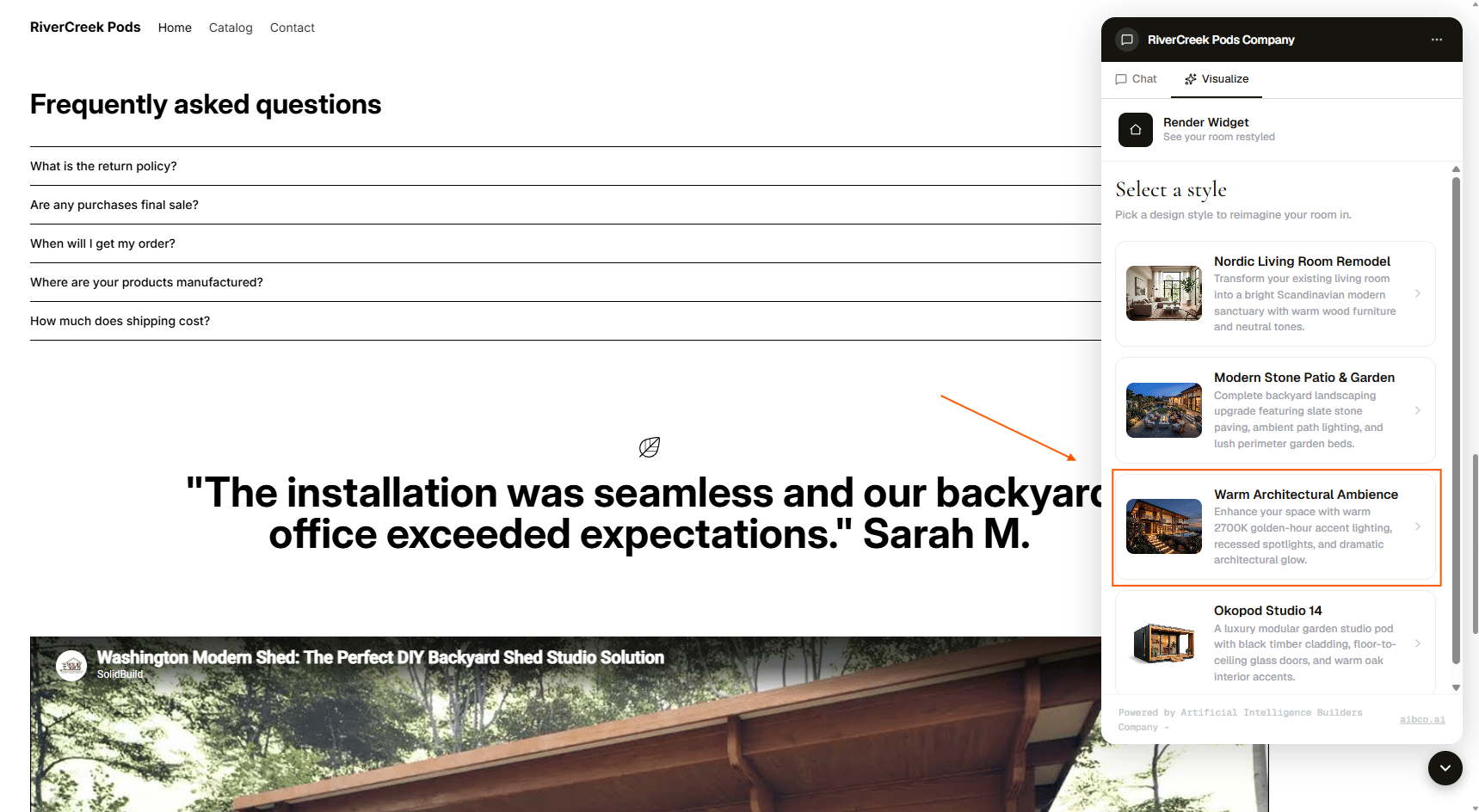
- Visible off — The product stays in your catalog but is hidden from visitors.

Draft vs Live
A product can be either Draft or Live. Here is how the two statuses interact with visibility: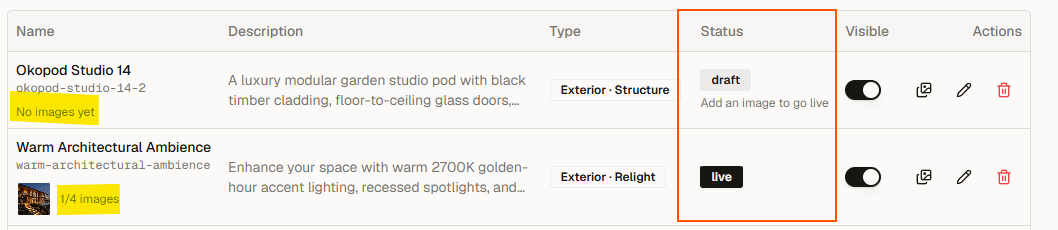
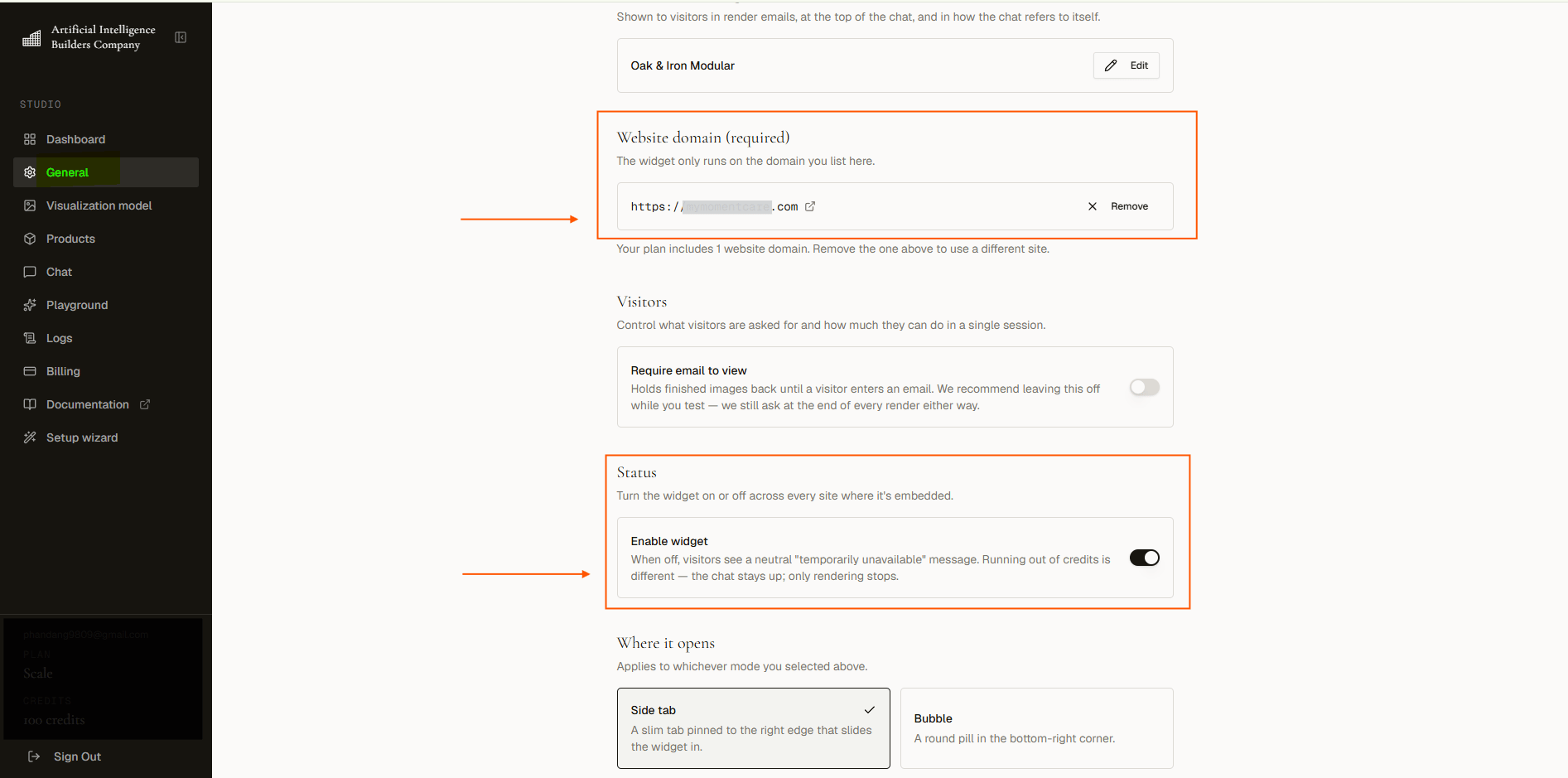
Even if a Live product is set to Visible, it will not show if the widget itself is disabled or the authorized domain is misconfigured. See Troubleshooting if you run into issues.
Remove a Product
If you no longer need a product, you can remove it from your catalog entirely. This is permanent, so consider hiding it first if you might want it again.