

aibco.ai/dashboard/logs). This page explains what costs credits, when you are charged (and when you are not), and what happens as your balance runs low.
What costs credits
One visualization returns 4 images for a single charge. Everything else is free: using the dashboard, creating and editing products, writing text knowledge, viewing leads, exporting CSVs, and reading your history.
When you’re charged and when you’re not
- Renders are charged when the job starts, not when it finishes. A render that fails is not refunded. This is the most important rule to know.
- Chat messages are charged when the message is accepted. A message refused for any reason, such as a rate limit or insufficient credits, costs nothing. Retrying the same message does not double-charge.
- A website scan that fails partway through is not refunded. A scan refused because another scan is already running costs nothing.
- A PDF that can’t be read is not charged. The check happens before the credit is taken.
Running low, and running out
Your credit history
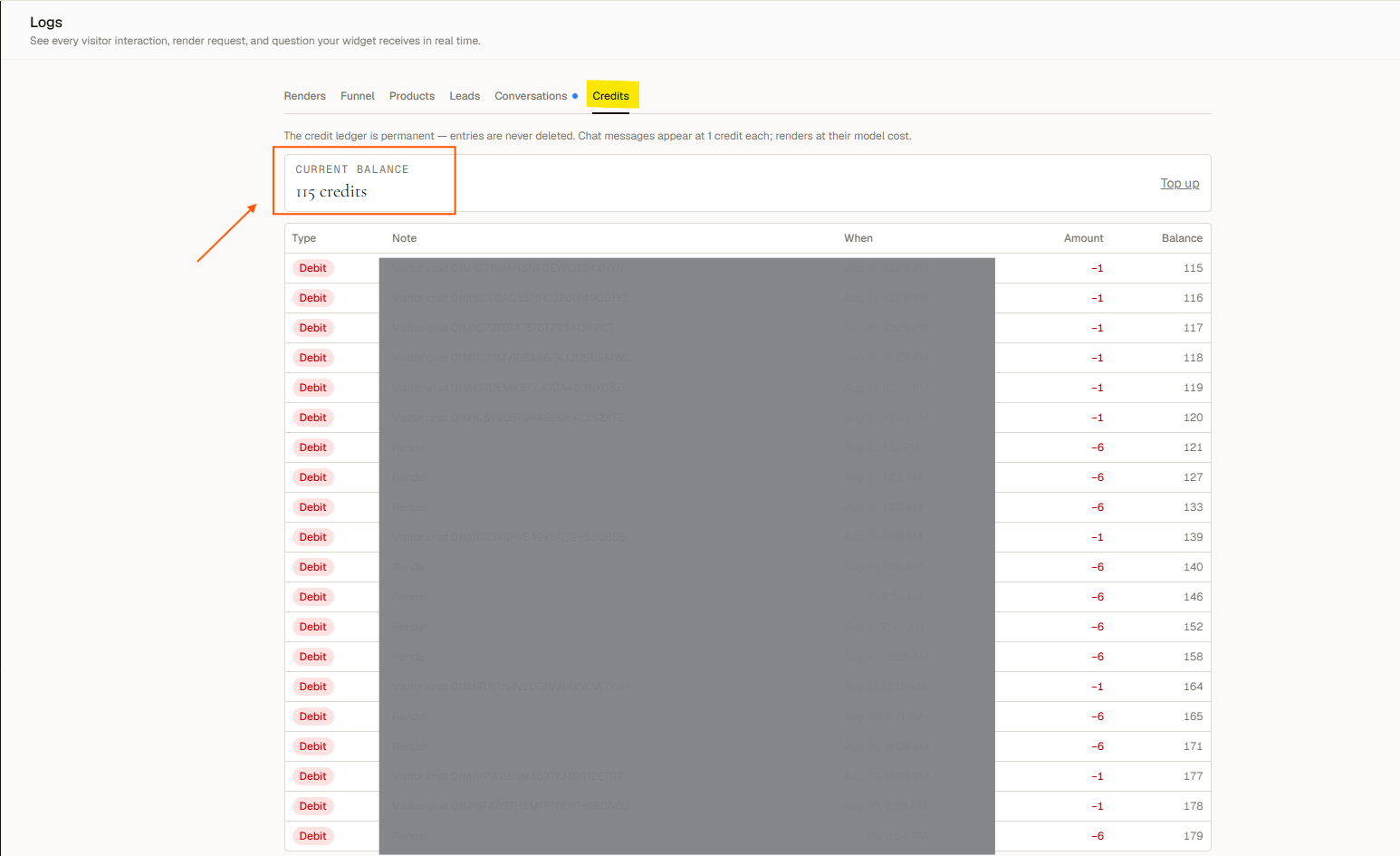
Dashboard → Logs → Credits shows your current balance, a Top up link, and every transaction in the following ledger:
This history is permanent and visible on every plan.