

Configure the greeting
1
Open the Greeting tab
In your dashboard, go to Chat → Greeting.
2
Write a greeting message
Enter up to 125 characters. Leave blank to use the default: ”👋 Hi! Ask me anything about the business or start a visualization.” The hosted page uses a headline version of the same line.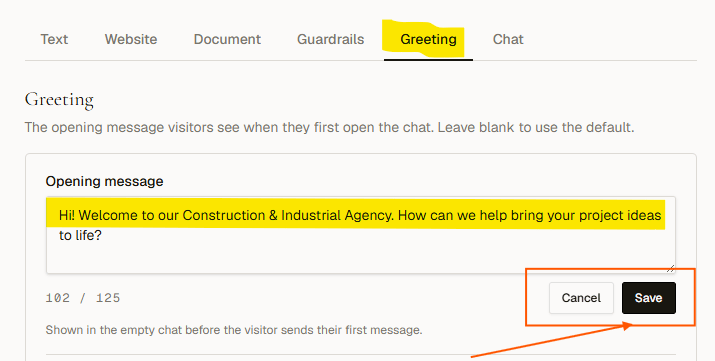
3
Add suggested questions
Add up to 4 suggested questions, up to 60 characters each. They appear as tappable chips below the greeting. A visitor clicking one sends it as their first message.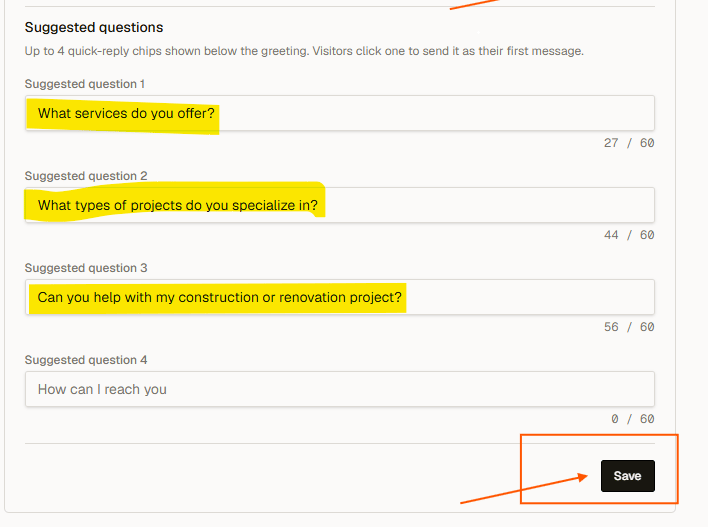
4
Save
Click Save greeting. Reload your website to see the updated chips in the chat widget.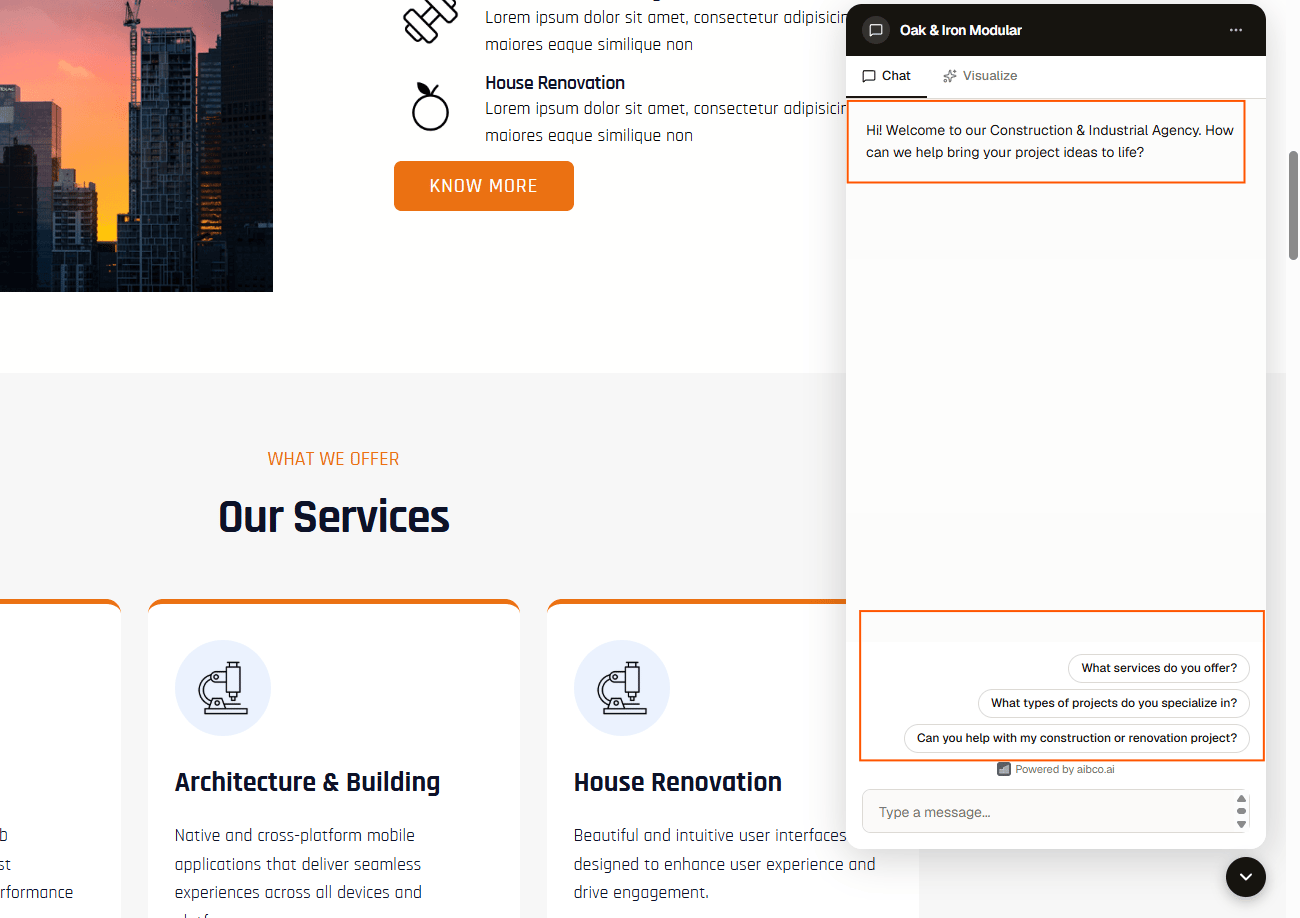
Default suggested questions
If you never touch them, the suggested questions default to:- Tell me more about your services
- What do you specialize in
- Visualize our services in your space
- How can I reach you